1. Introduction to Macros and recording
Practical coverage with examples, assignments and trainer guidance designed for this course path.
Offline classroom training in Jaipur
Learn Excel automation with Macros and VBA to reduce repetitive work, build forms and automate reporting tasks.
Course outcome
Reduce repetitive Excel work and build practical workbook automations for office use.
Excel users, MIS executives, analysts, accountants and professionals handling repetitive reports.
Main focus: offline classroom training in Jaipur. Online support is available when learners need flexibility.
Program snapshot
Duration, assignment count and batch structure can vary. Please confirm the latest details during counselling.
Relevant companies
This section is used as industry-fit proof, not as a hiring promise or placement guarantee.
Course outline
A cleaner, conversion-focused course outline for this landing page.
Practical coverage with examples, assignments and trainer guidance designed for this course path.
Practical coverage with examples, assignments and trainer guidance designed for this course path.
Practical coverage with examples, assignments and trainer guidance designed for this course path.
Practical coverage with examples, assignments and trainer guidance designed for this course path.
Practical coverage with examples, assignments and trainer guidance designed for this course path.
Practical coverage with examples, assignments and trainer guidance designed for this course path.
Practical coverage with examples, assignments and trainer guidance designed for this course path.
Practical coverage with examples, assignments and trainer guidance designed for this course path.
Projects and practice
Practical assignments make the course more useful for interviews and day-to-day work. This page highlights the style of work learners can expect.
Latest fees, duration, certificate details, current batch timing, who this course is best for and what tools are covered in the present batch.
Relevant learner feedback
Learners often like the time-saving focus of Macro and VBA training.
Relevant learner feedback themeMacro VBA course focusThe course is useful for professionals who already use Excel but want automation.
Relevant learner feedback themeMacro VBA course focusHands-on examples make VBA feel much less intimidating.
Relevant learner feedback themeMacro VBA course focusReal training photos
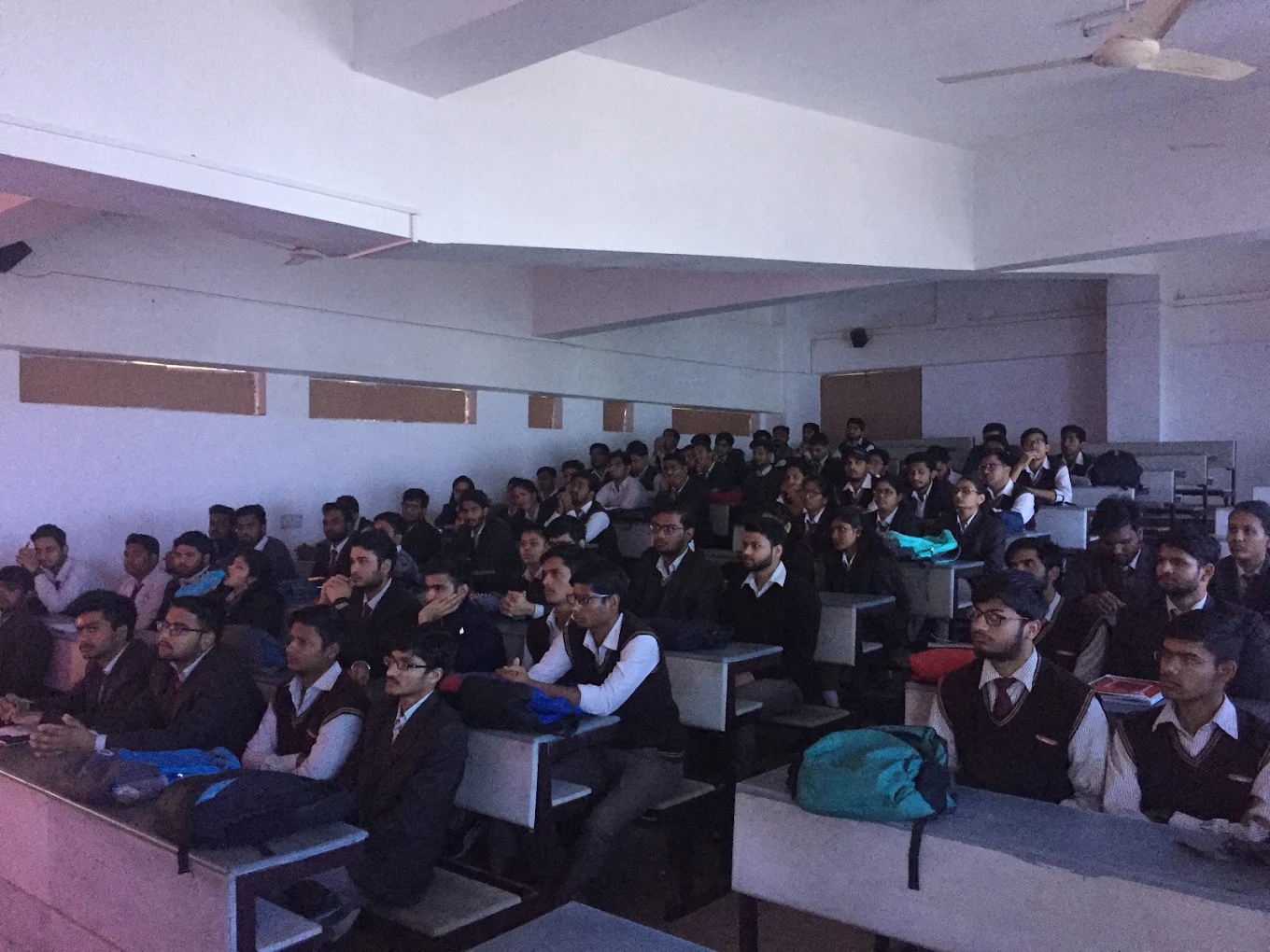
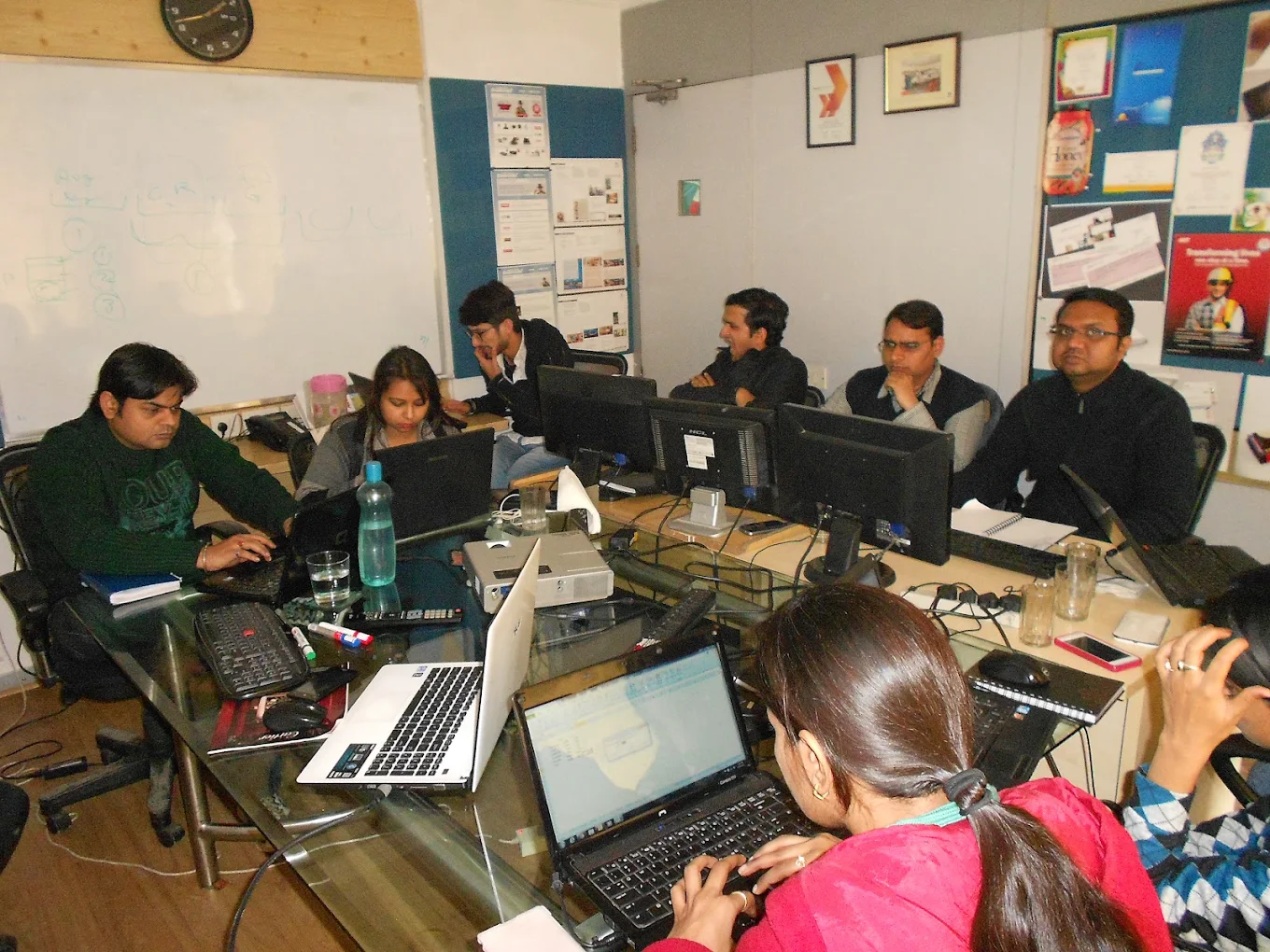
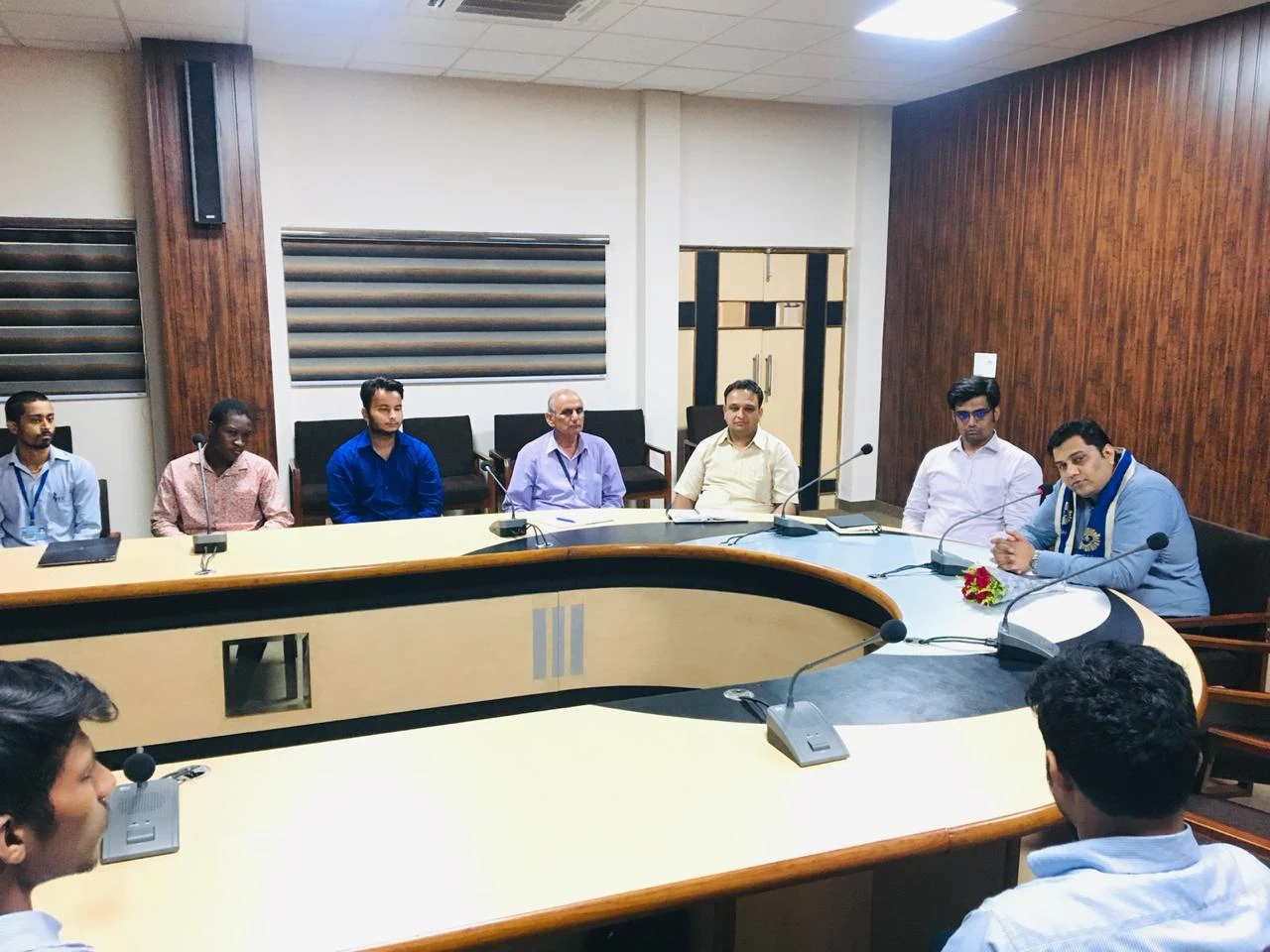
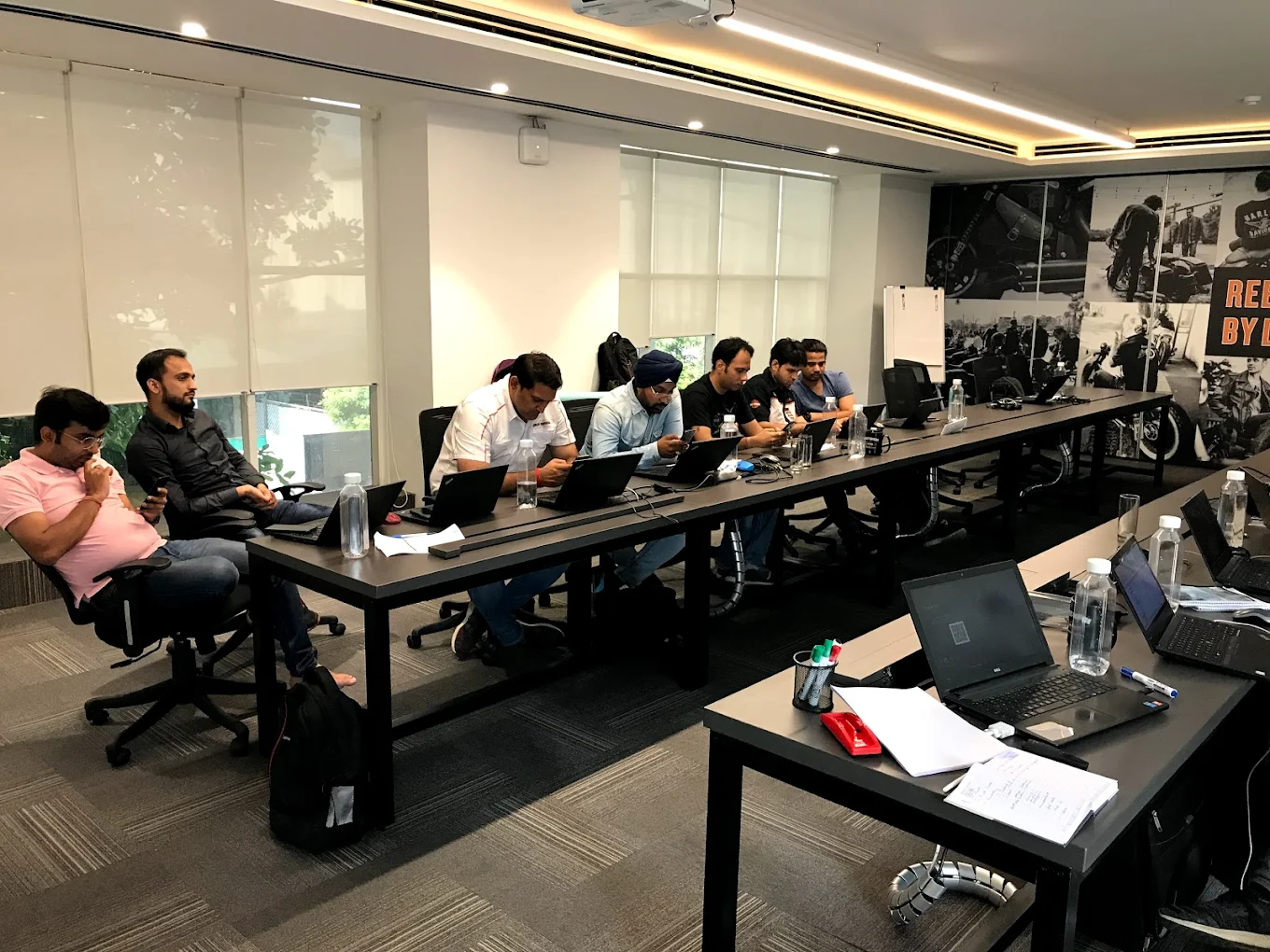
Real Seldom India photos showing workshops, trainer-led sessions, laptops, classroom discussion and learner participation.

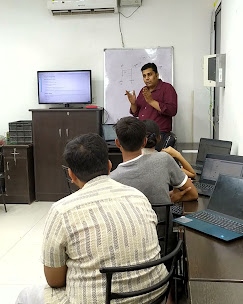
Resume support, interview preparation, project guidance and profile improvement. This is assistance and preparation support, not a guaranteed job offer.
Ask for certificate and completion details during counselling so the team can confirm the latest process for your batch.
B-33, Basant Vihar Colony, Gopalpura Bypass, Tonk Rd, above Brown Sugar, Gopalpura Mode, Jaipur, Rajasthan 302018
Helpful resources
Project and article content can help visitors understand how automation thinking connects to day-to-day work and efficiency improvements.
Archive workshop and certificate pages can continue supporting credibility.
FAQs
Basic Excel comfort is recommended because Macro VBA builds on Excel workflows.
Yes. That is one of the main use cases of Macros and VBA automation.
Yes. The main focus is offline classroom training in Jaipur, with online support available where needed.
Submit the enquiry form or call +919001827800 for the latest fees, duration and current batch details.
Speak with Seldom India before enrolling and confirm the right batch for your background and schedule.